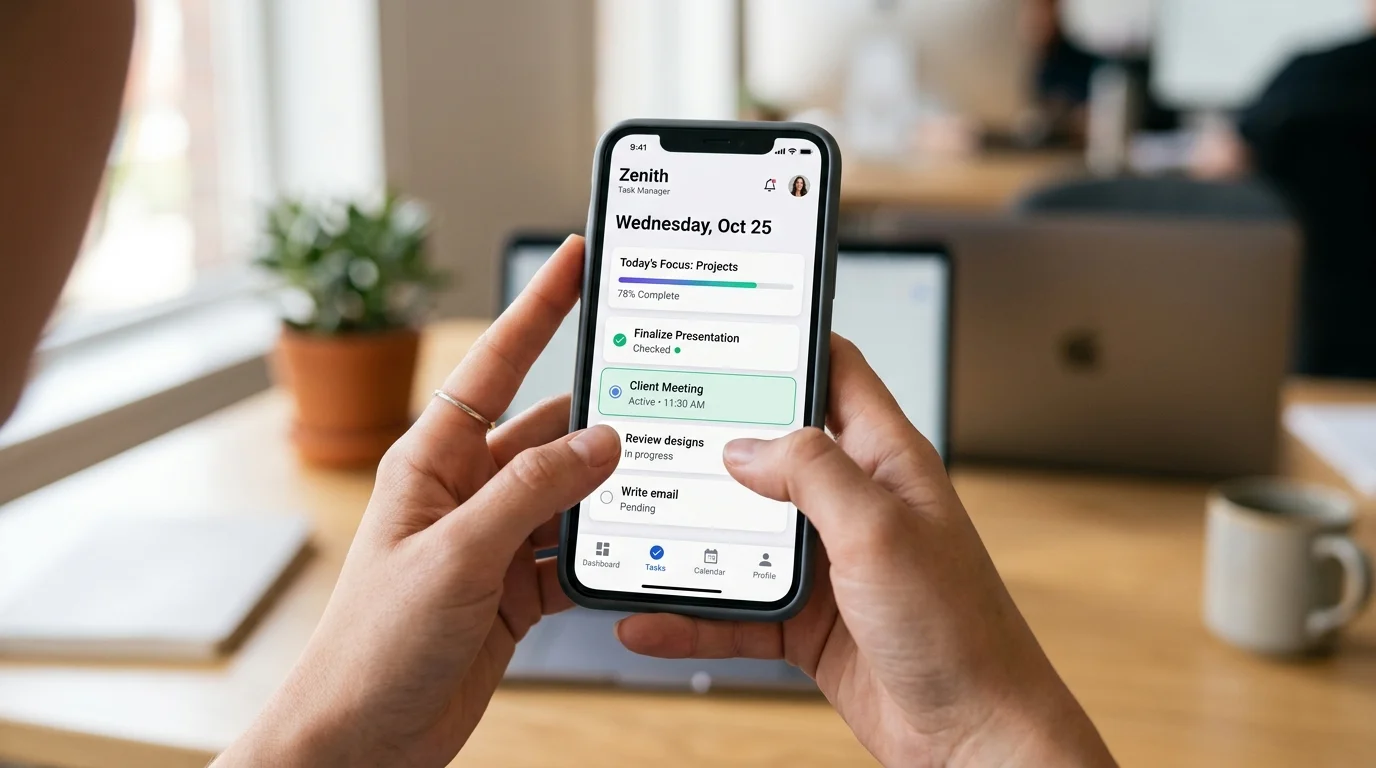
 The cross-platform mobile development landscape has shifted dramatically over the past three years. What was once a debate between React Native and Flutter has evolved into a clear picture: Flutter has emerged as the most complete cross-platform framework available in 2026, capable of targeting mobile, web, desktop, and embedded platforms from a single codebase.
But “capable” and “right for your business” aren’t the same thing. At NSDBytes, we’ve delivered Flutter applications across ecommerce, healthcare, logistics, and enterprise verticals. This guide distills what we’ve learned into actionable guidance for founders, CTOs, and product leaders.
Why Flutter Has Won the Cross-Platform Argument
Flutter’s dominance in 2026 isn’t accidental. Several technical and ecosystem developments have compounded to make it the framework of choice.
Rendering engine ownership. Unlike React Native, which bridges to native UI components, Flutter controls its own rendering pipeline through the Impeller engine. This means pixel-perfect consistency across iOS and Android — no platform-specific styling surprises. For brands that demand design precision, this is a significant advantage.
Dart 3’s maturity. Dart — Flutter’s programming language — has evolved from “the language you have to learn for Flutter” into a genuinely productive language. Sound null safety, pattern matching, sealed classes, and records make Dart code safer and more expressive. Developer satisfaction scores have steadily climbed.
Multi-platform reality. Flutter now credibly targets six platforms: iOS, Android, Web, Windows, macOS, and Linux. While web and desktop support required caveats in earlier years, the rendering quality and plugin ecosystem have reached production-ready levels for most business applications.
Enterprise adoption signals. Google, BMW, Toyota, Alibaba, and ByteDance all ship Flutter applications. When companies at that scale validate a framework, it de-risks the choice for everyone else.
The Business Case: Numbers That Matter
Let’s talk about what cross-platform development means for your bottom line.
Development cost reduction. Building separate native apps for iOS and Android typically requires two distinct codebases, two development teams (or one team context-switching between Swift/Kotlin), and roughly 2x the QA effort. Flutter reduces this to approximately 1.3–1.5x the cost of a single-platform app — a savings of 30–40% compared to dual native development.
Time to market. A Flutter MVP can reach both app stores simultaneously. For startups racing to validate a hypothesis, eliminating the “which platform first?” decision is strategically valuable. Based on our project history at NSDBytes, Flutter projects ship to production 35–45% faster than equivalent dual-native projects.
Maintenance efficiency. One codebase means one set of bug fixes, one set of feature additions, one CI/CD pipeline. Over a product’s lifetime — which typically spans years, not months — this compounding efficiency gain is substantial.
Design consistency. Your brand’s visual identity looks identical on every platform. No more “the button looks different on Android” conversations between design and engineering.
Architecture Patterns for Production Flutter Apps
Building a Flutter app that works in a demo is easy. Building one that scales in production requires deliberate architecture decisions.
State Management: The Foundational Choice
Flutter offers multiple state management options, and choosing the right one early prevents painful refactors later.
BLoC (Business Logic Component) remains our default recommendation for enterprise applications. It enforces a clear separation between UI and business logic through streams and events. The pattern is verbose but predictable — exactly what you want in a codebase maintained by a growing team.
Riverpod has gained significant traction for its improved developer experience over Provider. Its compile-time safety, automatic disposal, and lack of BuildContext dependency make it excellent for mid-sized applications.
For simple apps or MVPs, even setState with a clean service layer is acceptable. Don’t over-architect early.
Project Structure
We use a feature-first architecture at NSDBytes:
lib/
├── core/           # Shared utilities, themes, constants
├── features/
│   ├── auth/
│   │   ├── data/       # Repositories, data sources
│   │   ├── domain/     # Models, use cases
│   │   └── presentation/ # Screens, widgets, BLoCs
│   ├── home/
│   ├── profile/
│   └── settings/
├── routing/        # GoRouter configuration
└── main.dart
This structure scales well because new features are self-contained modules. A developer working on the auth feature doesn’t need to understand the home feature’s implementation.
Navigation
GoRouter is the navigation solution for Flutter in 2026. It provides declarative, URL-based routing that works across mobile, web, and desktop. Deep linking, route guards, and nested navigation all work out of the box.
Platform-Specific Considerations
Cross-platform doesn’t mean “ignore the platform.” The best Flutter apps respect platform conventions where it matters.
iOS considerations:
- Use Cupertino widgets for date pickers, alert dialogs, and switches when your design system allows it
- Handle the Dynamic Island and iOS-specific status bar behavior
- Implement haptic feedback using the HapticFeedback API
- Support Dark Mode and the iOS large-title navigation pattern
Android considerations:
- Support Material 3 (Material You) dynamic color theming
- Handle the predictive back gesture introduced in Android 14
- Implement edge-to-edge display for modern Android versions
- Support foldable device form factors
Web considerations:
- Optimize initial bundle size — Flutter web apps can be heavy. Use deferred loading and tree shaking aggressively
- Ensure SEO-critical pages use server rendering or prerendering (Flutter web is not inherently SEO-friendly)
- Test keyboard navigation and accessibility
When Flutter Is NOT the Right Choice
Honesty about limitations builds trust. Here are scenarios where we steer clients away from Flutter:
- Your app is a thin wrapper around a WebView. If most of your content is web-based, building a Progressive Web App (PWA) is cheaper and simpler.
- You need deep integration with platform-specific hardware. While Flutter’s plugin ecosystem covers most use cases, highly specialized hardware integrations (custom Bluetooth protocols, advanced camera processing, AR) may still require native modules.
- Your team is heavily invested in native development. If you have strong Swift and Kotlin teams with established codebases, migrating to Flutter has a real cost. Augmenting with Flutter for new features using the add-to-app approach is a better strategy.
- SEO is critical for your mobile web experience. Flutter web generates a canvas-based or HTML-based rendering that search engines struggle with. For SEO-critical web applications, Next.js or similar server-rendered frameworks are superior.
Testing Strategy for Flutter Apps
A robust testing strategy is non-negotiable for production apps. Flutter provides excellent testing primitives:
Unit tests for business logic, data transformations, and utility functions. These are fast and should form the base of your testing pyramid.
Widget tests for individual UI components. Flutter’s widget testing framework is genuinely excellent — it renders widgets without a device emulator, making tests fast and reliable.
Integration tests for critical user flows. Use integration_test to run tests on real devices or emulators. Focus on high-value paths: onboarding, checkout, authentication.
Golden tests for visual regression. Capture “golden” screenshots of widgets and compare them in CI. This catches unintended visual changes that might slip past code review.
Our target at NSDBytes: 80%+ code coverage with an emphasis on business logic and critical user paths.
Performance Optimization Checklist
Flutter apps are performant by default, but production optimization requires attention:
- Profile with DevTools. Flutter DevTools provides CPU profiling, memory tracking, and widget rebuild analysis. Profile on release builds, not debug — debug mode has significant overhead.
- Minimize widget rebuilds. Use
constconstructors,RepaintBoundary, and selective state management to prevent unnecessary rebuilds. - Optimize image loading. Use
cached_network_imagefor network images. Compress assets at build time. Serve WebP format where possible. - Lazy load lists.
ListView.builderrenders only visible items. For complex item widgets, cache computed layouts. - Reduce app size. Use
--split-debug-infoand--obfuscateflags. Remove unused packages. Analyze the build with--analyze-size.
Frequently Asked Questions
How much does it cost to build a Flutter app? A production-quality Flutter app typically costs between $30,000 and $150,000 depending on complexity, number of features, backend requirements, and design sophistication. At NSDBytes, we provide detailed estimates after a discovery phase that maps your requirements to technical scope.
Can Flutter apps pass Apple’s App Store review? Absolutely. Thousands of Flutter apps are live on the App Store. Apple reviews apps based on functionality, user experience, and guideline compliance — not the framework used to build them. Our Flutter apps consistently pass review on first submission.
Is Flutter good for enterprise applications? Yes. Flutter’s strong typing (Dart), testability, and architecture patterns (BLoC, Clean Architecture) make it well-suited for enterprise requirements. Companies like Google, BMW, and Toyota validate this at scale.
How do Flutter app performance metrics compare to native? In most real-world scenarios, users cannot distinguish Flutter apps from native apps. Flutter renders at 60fps (120fps on supported devices) using its own rendering engine. The performance gap that existed in Flutter’s early days has been effectively eliminated with the Impeller engine.
Can we add Flutter to our existing native app? Yes. Flutter’s “add-to-app” capability lets you embed Flutter modules into existing iOS (Swift/Objective-C) and Android (Kotlin/Java) applications. This is an excellent strategy for gradually migrating without a full rewrite.
Build Your Flutter App with NSDBytes
At NSDBytes, our mobile development team has shipped Flutter applications across industries — from ecommerce storefronts to healthcare platforms to logistics management systems.
We bring architectural discipline, design excellence, and production-hardened best practices to every Flutter project. Whether you’re starting from scratch or modernizing an existing mobile experience, we’ll help you ship faster without compromising quality.
Related Articles
Frequently Asked Questions

Written by the NSDBytes Team
We are passionate about software development, AI integration, and helping businesses achieve operational excellence through modern technology.
Need something like this built?
We’ve helped 200+ companies build and scale production-grade software.