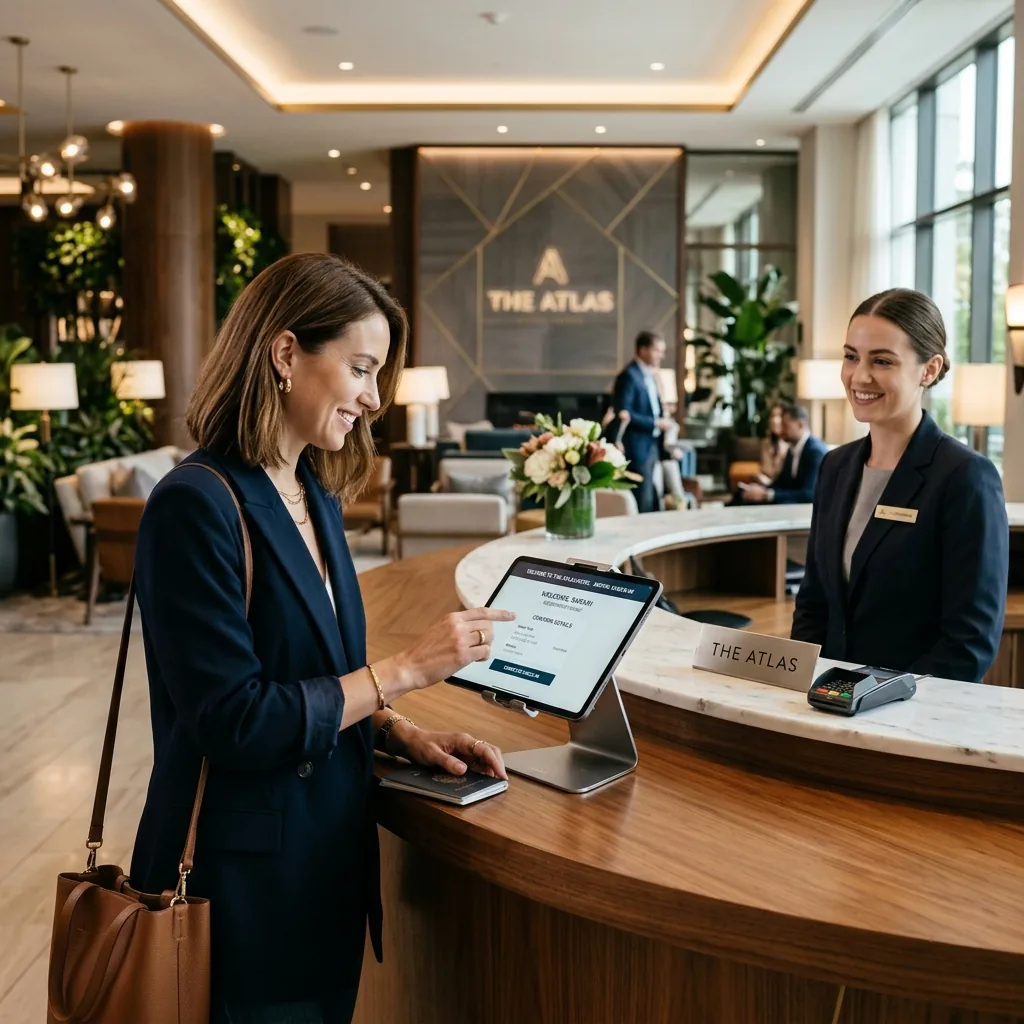
In the modern digital guest journey, friction kills conversions. For years, hotel brands invested millions in proprietary iOS and Android applications, operating under the assumption that guests wanted a dedicated app for every property they visited. In 2026, user behavior has unequivocally proven this strategy flawed: forcing a weary traveler to navigate an app store, download a 150MB file, create an account, and grant extensive device permissions just to open a room door or inspect a folio represents a catastrophic barrier to entry. Adoption of property-specific native apps is persistently low outside the major chains, because the download only pays off for a guest who returns often enough to justify it. To achieve near-universal digital engagement, forward-thinking hoteliers are pivoting to lightweight, secure web-based guest portals that load instantly in a mobile browser while delivering robust, native-grade functionalities like generating secure TTLock access PINs.
1. The App Store Barrier vs. Instant Frictionless Access
When a guest arrives at a property after a grueling flight, they demand immediate, frictionless access to their room. Every additional step introduced into the check-in workflow degrades guest satisfaction and multiplies front desk queues.
Key Takeaway: A web portal delivered by secure SMS or email link opens straight into the check-in flow. A mandatory native download asks the guest for storage, an account and permissions before returning any value — and for a two-night stay, that trade rarely looks worth it.
User Experience Analysis: Web Portals vs. Native Apps
To understand why web portals dominate the modern guest journey, consider the dramatic contrast in user onboarding and engineering maintenance:
| Assessment Dimension | Traditional Native App (iOS/Android) | Lightweight Web-Based Portal |
|---|---|---|
| Guest Onboarding | 7–10 steps (Store search, download, install, register) | 1 step (Click secure personalized magic link) |
| Download Size | 100MB – 250MB (Requires high-speed Wi-Fi/cellular) | < 1MB (Instantaneous sub-second load time) |
| Hardware Capabilities | Deep OS access (Bluetooth, local biometric storage) | Advanced Web APIs (Secure TTLock PIN generation) |
| Development & Upkeep | Double engineering overhead (Maintain separate iOS & Android codebases) | Single responsive web codebase with instant universal updates |
2. Delivering Native-Grade Capabilities in the Browser
The primary historical argument for native applications centered on hardware access. However, modern Progressive Web App (PWA) specifications and secure cloud-to-hardware API bridges have completely neutralized this advantage. Today, a web portal can instantly request secure cloud tokens to present dynamic, time-bound digital room keys directly within Safari or Chrome.
Deploying a lightning-fast web portal requires an exceptionally robust cloud backend to handle concurrent check-in surges. Discover the engineering principles behind this stability in our technical breakdown of Architecting for the Peak: AWS ALB and ECS in Hospitality. Moreover, see how we put these instant-load methodologies into practice by exploring our world-class Guest Management System (GMS) Case Study.
Frequently Asked Questions (FAQ)
Why do hotel guests dislike downloading native apps?
The average traveler experiences ‘app fatigue’ and is highly reluctant to download large, single-use applications for short hotel stays. Native apps consume device storage, require complex account creation, and demand obtrusive background tracking permissions.
Can a web-based guest portal issue digital room keys?
Yes. Modern web portals utilize secure cloud APIs to communicate with smart lock hardware gateways (such as TTLock or Salto). The portal instantly retrieves and displays dynamic, encrypted numeric PIN codes or secure barcode tokens directly in the mobile browser.
How do web portals ensure guest security without an app login?
Web portals utilize secure, time-bound ‘magic links’ sent directly to the guest’s verified phone number or email address. These URLs contain complex, encrypted session tokens that automatically expire upon guest checkout, ensuring absolute data security.
Transform Your Operations with NSDBytes
Eliminate check-in friction and achieve unmatched guest adoption rates. Partner with NSDBytes to engineer a lightning-fast, highly secure web-based guest portal tailored to your property.
Book your free AI consultationRelated Articles
Frequently Asked Questions

Written by the NSDBytes Team
We are passionate about software development, AI integration, and helping businesses achieve operational excellence through modern technology.
Need something like this built?
We build and maintain our own hospitality products like GMS. Let us build yours.