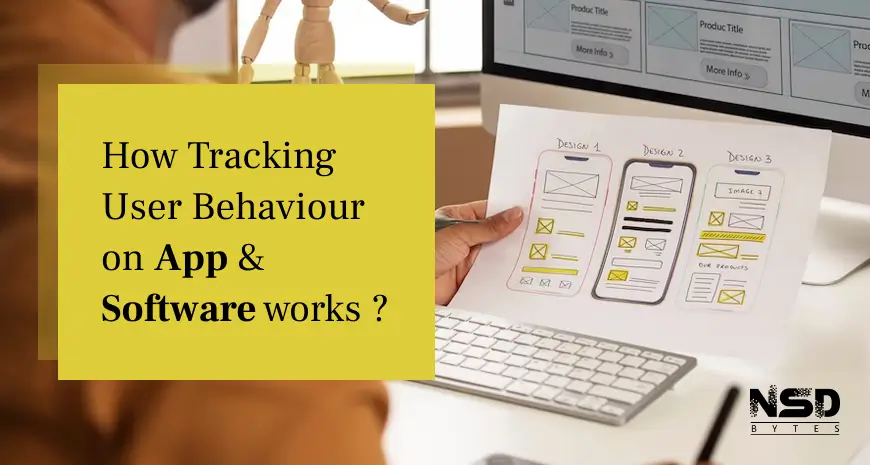
Developing an app or software is important. But measuring its effectiveness and usability is more important.
In this blog, we will see why measuring user behaviour is important and how to do it. But before it let’s see what user behaviour analysis is.
What is User Behaviour Analysis?
It is the method of gathering, tracking, and evaluating data of how users interact with our application or software.
Why Tracking of User Behaviour is Important?
Development is just one part of successful applications. It requires continuous refinement for an app or software to be useful. In the long-term, people are most likely to be connected with such apps.
Hence user behaviour tracking helps in understanding your target audience. You will also get insights of their needs, wants, demographic, and psychographics.
How to Do User Behaviour Tracking?
We now know the importance of understanding user behaviour. So how do you track your apps or software? There is plenty of free and premium softwares are available to do so. Let’s dig into it.
Tools for Web Application of Software:
- Google AnalyticsIt is well known in the marketing industry. It is Google’s free tool that gives excellent data about your users. It let you know the user’s journey, landing page, bounce rate, avg. time on web application, and conversion rate. Moreover, it also helps you set up your customized dashboard.
- HotjarIt is the best in-market tool for visualizing your behaviour. It has an awesome feature of tracking visitor’s recording, surveys, and heat map analysis. This tool is paid, but its price is worth it.
- CrazyEggIt is almost the same tool as Hotjar. It gives you more insight of heat map, scroll map, and snapshots. You can also test which part of your web application works well and which is not.
- MatomoMatomo is another powerful tool for behaviour tracking. You can do many things like heat maps, session recording, A/B testing, attributions reporting, and funnel visualizations.
Tools for Mobile Application:
- Apple AnalyticsObviously, Apple Analytics is made to track iOS mobile applications. It makes your work easier by checking user impressions, engagement, active devices, and retention. Its segmentation feature helps you to understand which one of your apps is performing better.
- FirebaseIt is essentially used for developing apps. Google’s this tool also allows you to manage all your application data in a single place. It is compatible with iOS and Android. Its basic plan is free. Paid plans give you more valuable data.
- MixpanelIt is one of the renowned mobile app analytics tools. It gives you a better understanding of user journey by tracking users interaction.
- AppDynamicsMost useful tool for managing, auditing, and micro activity tracking of users. With its cloud integration feature, you can maintain data in cloud storage. Their pricing is upon request and customized according to requirements.You can also track user behaviour for mobile apps with Google Analytics.
- SummaryThere are plenty of tools and resources available. By tracking user behaviour, we need to identify what are pros and cons in our software of apps. Continuous improvement is the goal of user behaviour analysis.Have more thoughts? Lets Discuss with expert : NSDBytes
Related Articles
Frequently Asked Questions

Written by the NSDBytes Team
We are passionate about software development, AI integration, and helping businesses achieve operational excellence through modern technology.
Need something like this built?
We’ve helped 200+ companies build and scale production-grade software.